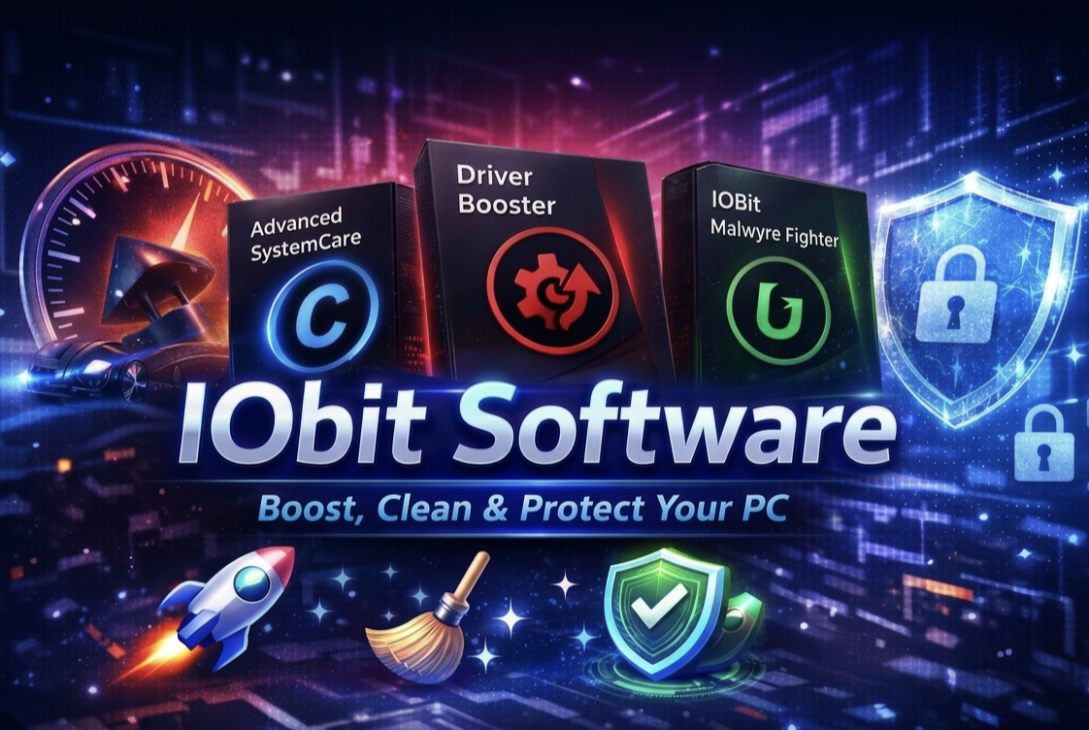
If you are searching for PC optimization or free malware removal tools, you may have come across software from IObit. The company offers several popular utilities such as system cleaners, driver updaters, and antivirus solutions. However, many users ask the same question before downloading: Is IObit secure?
This article explains everything you should know about IObit, including its safety, features, potential risks, and whether it is a good choice for protecting your computer.
What Is IObit?
IObit is a software company founded in 2004 that develops system utilities and security tools for Windows, Mac, and Android devices. The company has released many well-known applications designed to improve computer performance and remove security threats. According to company information, its tools have received millions of downloads and numerous industry awards.
Some of its most popular programs include:
- Advanced SystemCare (PC optimization)
- IObit Uninstaller
- Driver Booster
- IObit Malware Fighter
These tools focus on cleaning junk files, improving system speed, and providing free malware removal capabilities.
Is IObit Secure to Install?
In general, software from IObit is considered legitimate and safe to install when downloaded from the official website. The company provides security tools that scan for threats such as spyware, ransomware, and adware.
For example, its malware removal software uses multiple security engines, including integration with the Bitdefender engine, to detect and remove malicious programs from computers.
These tools can help detect:
- Viruses
- Trojans
- Spyware
- Ransomware
- Adware
- Worms and bots
Because of these capabilities, many users rely on IObit products as an additional layer of protection alongside traditional antivirus software.
Features of IObit Malware Removal Tools
One reason people install IObit software is its range of security and optimization features. A typical IObit malware protection tool may include:
1. Free Malware Removal
IObit provides scanning tools that can identify and remove malware infections from your system. The software scans files, memory processes, and browser activity to detect potential threats.
2. Real-Time Protection
Some versions include real-time protection that monitors your computer continuously and blocks malicious files before they can cause damage.
3. Browser Protection
IObit tools can warn users about suspicious websites and prevent phishing attacks while browsing the internet.
4. Privacy Protection
Certain tools allow you to protect sensitive files and prevent unauthorized programs from accessing personal data.
These features make IObit attractive for users looking for an easy way to protect and optimize their computers.
Potential Concerns About IObit
Although IObit is a legitimate software developer, some concerns have been raised over the years.
Mixed Security Reviews
Independent security reviews suggest that IObit provides decent malware protection but lacks some advanced features found in top antivirus solutions.
Some reviewers also note that the free version offers limited protection compared to premium security software.
Additional Offers and Notifications
Another criticism is that IObit programs may promote other company products during installation. Some users report frequent upgrade prompts or promotional notifications.
Another consideration for users is that IObit applications may include optional offers for other company products during the setup process. Some users have noted that they receive occasional upgrade suggestions or product announcements after installation.
Average Malware Detection
Security tests have shown that while IObit can detect malware, its protection is sometimes weaker than leading antivirus programs.
These factors don’t necessarily mean the software is unsafe, but they are important to consider before installing.
When Should You Use IObit?
IObit can be useful for several types of users:
- Beginners who want a simple free malware removal tool
- Users who need basic PC cleaning and optimization
- People looking for an additional security layer alongside their main antivirus
However, if you need enterprise-level protection or advanced security features, you may want to consider more comprehensive antivirus software.
Tips for Safe Installation
If you decide to install software from IObit, follow these tips to stay safe:
- Download only from the official website.
- Choose custom installation to avoid installing extra tools you do not want.
- Keep Windows Defender or another antivirus active.
- Update the software regularly to ensure the latest security protection.
These steps will help ensure you install only the features you need and avoid unnecessary software.
Final Verdict
So, is IObit secure? In most cases, yes. Software from IObit is legitimate and can help with system optimization and free malware removal. Its tools can detect common threats and improve PC performance.
However, the software is not considered the strongest antivirus solution available. Some users may also find its promotional pop-ups or bundled features annoying.
Overall, IObit can be a helpful utility for basic PC maintenance and malware scanning—but it works best when used alongside a trusted antivirus program for complete protection.